 VARAK
VARAKMake a Scanned PDF Editable
A scanned PDF usually contains page images rather than editable text. Recognize the page with OCR first, then edit the recognized content.
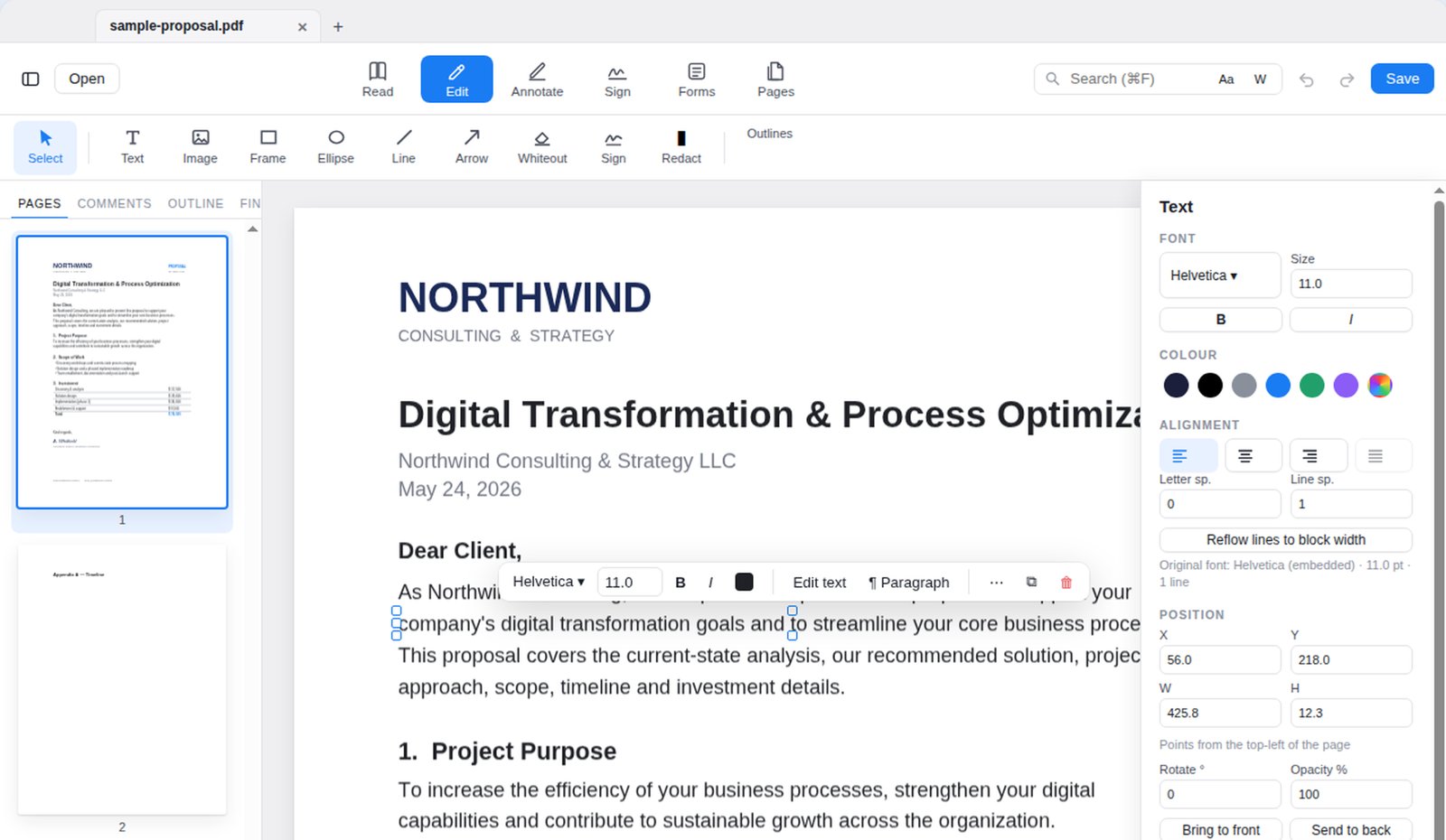
Document-first
Work on the PDF itself in a focused editing workflow.
On-device
VARAK’s documented document-processing workflows run locally on your device.
No recurring subscription
Free download plus a one-time Pro purchase as described in the current product.
About this VARAK workflow
A scanned PDF usually contains page images rather than editable text. Recognize the page with OCR first, then edit the recognized content.
See the VARAK support guide for the current feature details and limitations.